


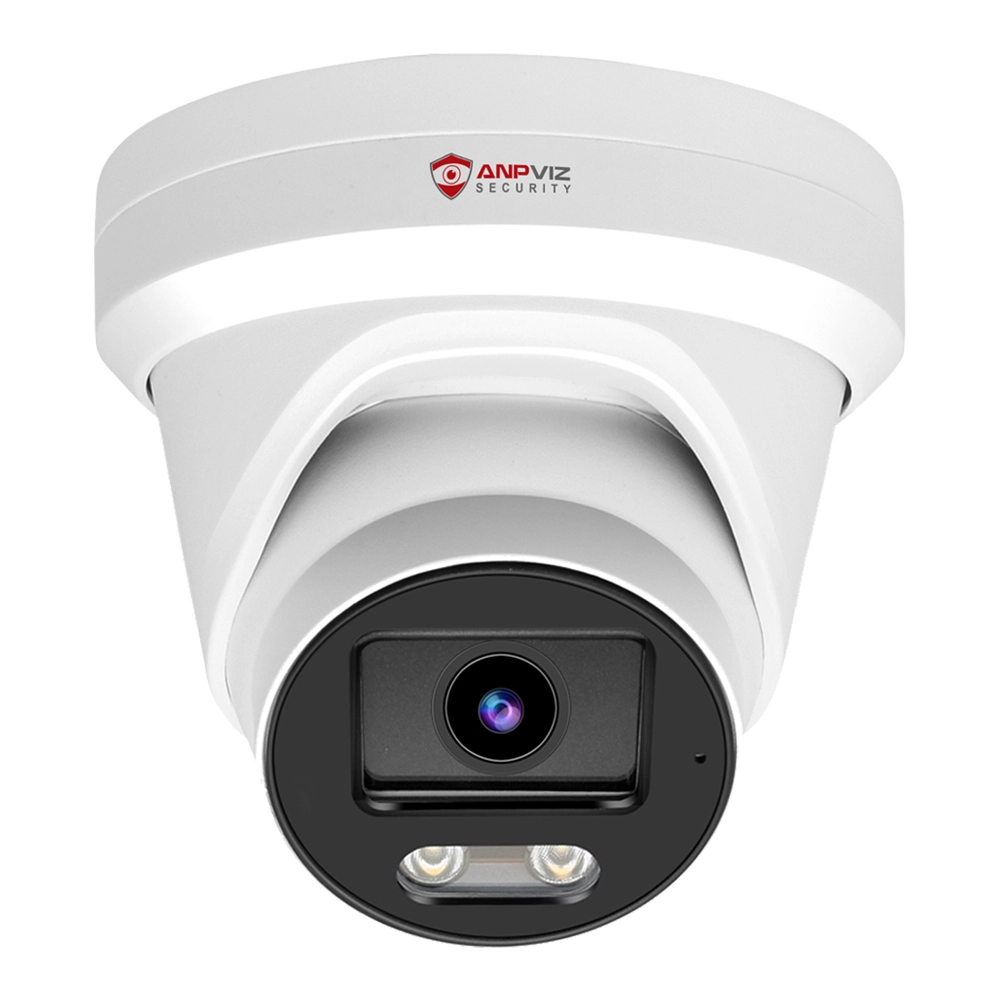

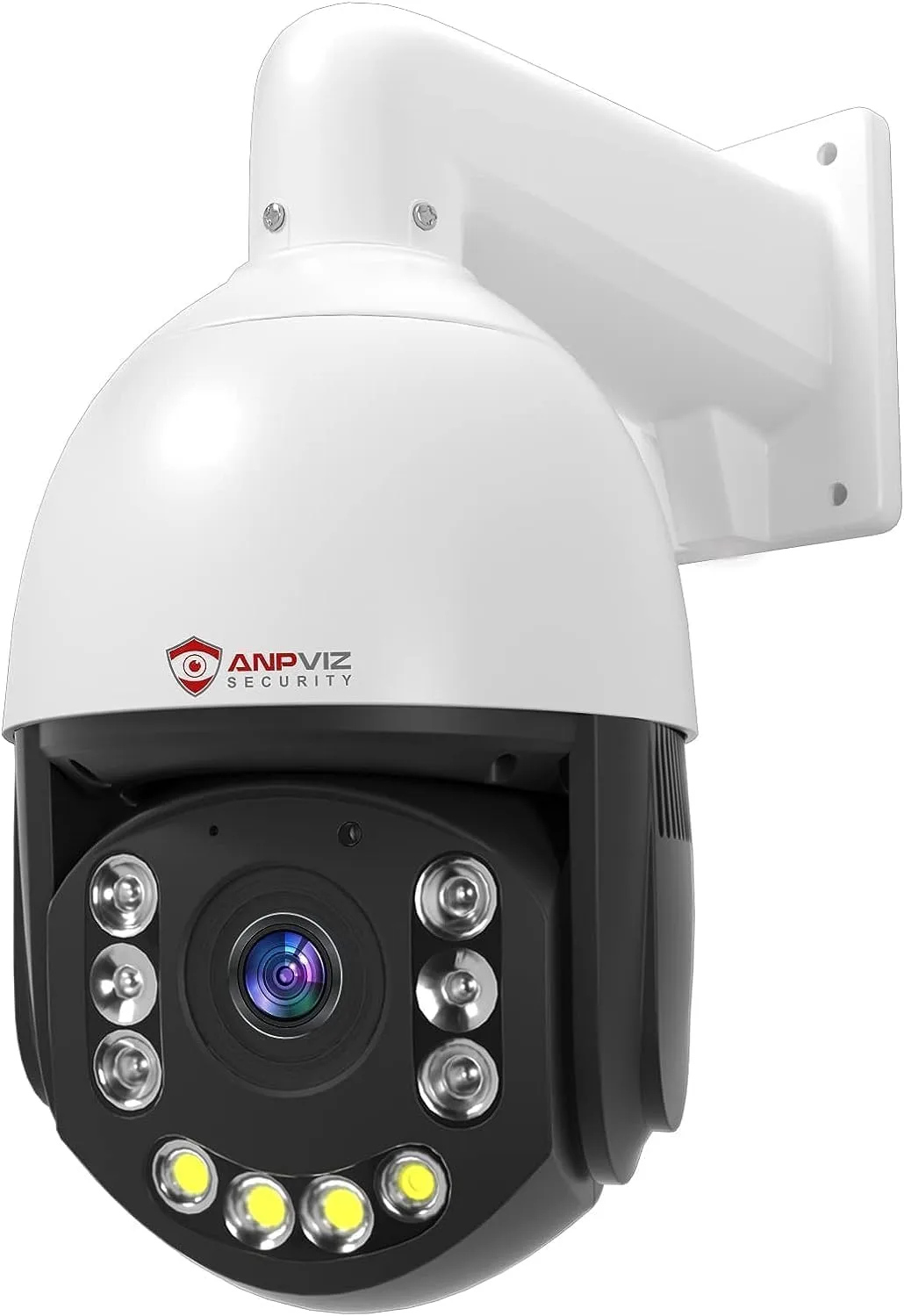
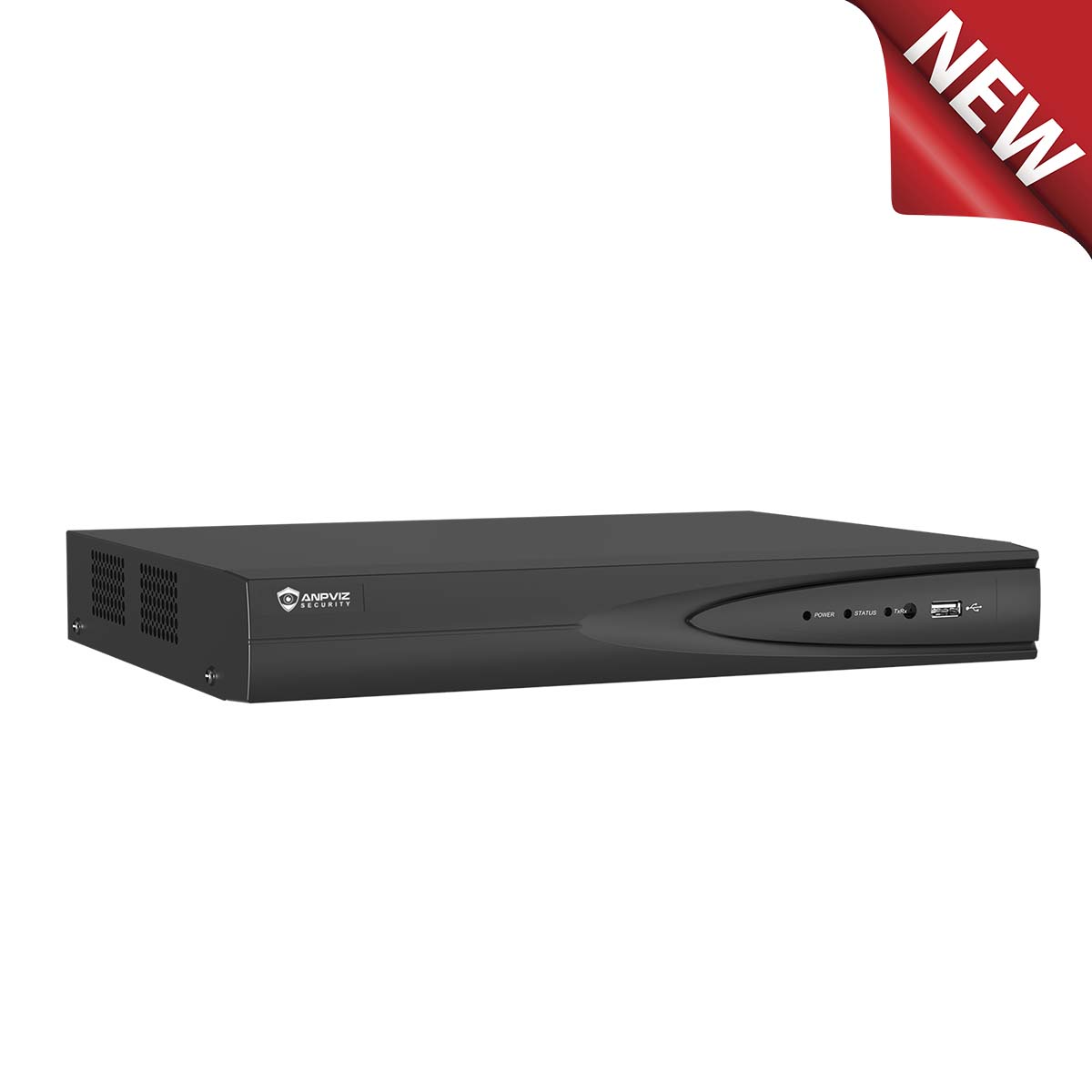
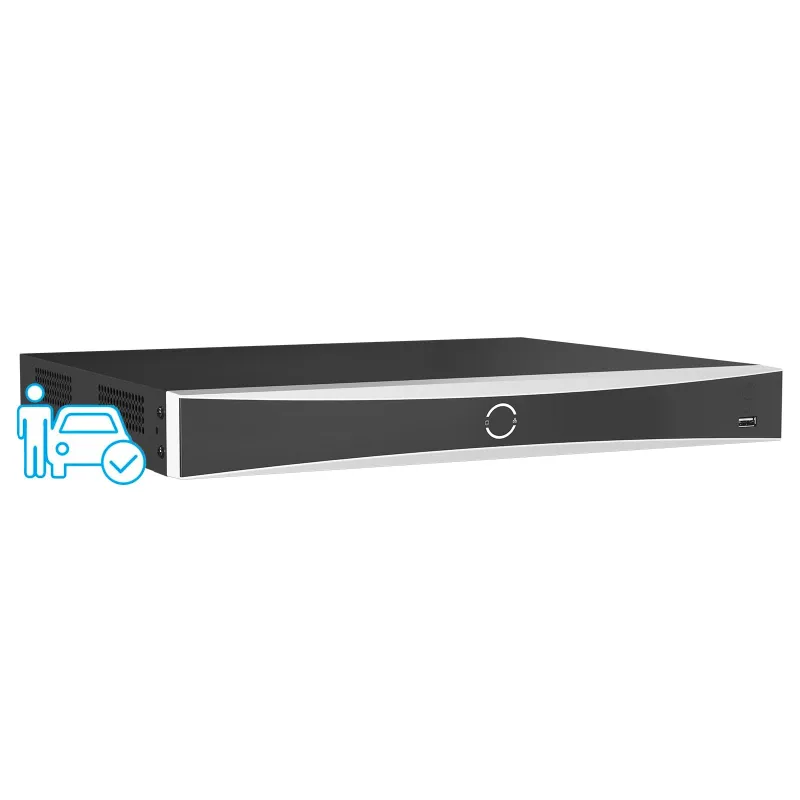


PoE Camera Platform Live Demo
Experience remote viewing, intuitive function configuration, and precise control capabilities firsthand.

Will open safely in a new tab
One-Click Launch
Open the demo link in your browser from the table and log into the website using the username and password from the image.
Install Plugins
Follow the website prompts to install two plugins:
Local Service Components and Guarding Vision Local Service Components.(No plugins needeed for U-series)
Secure Exploration
Once the plugins are installed, begin exploration.
Important Notes
- Environment: This is a demo environment. All camera feeds are real data provided for demonstration and browsing purposes only.
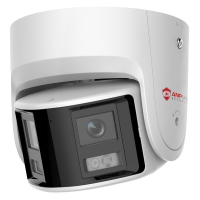
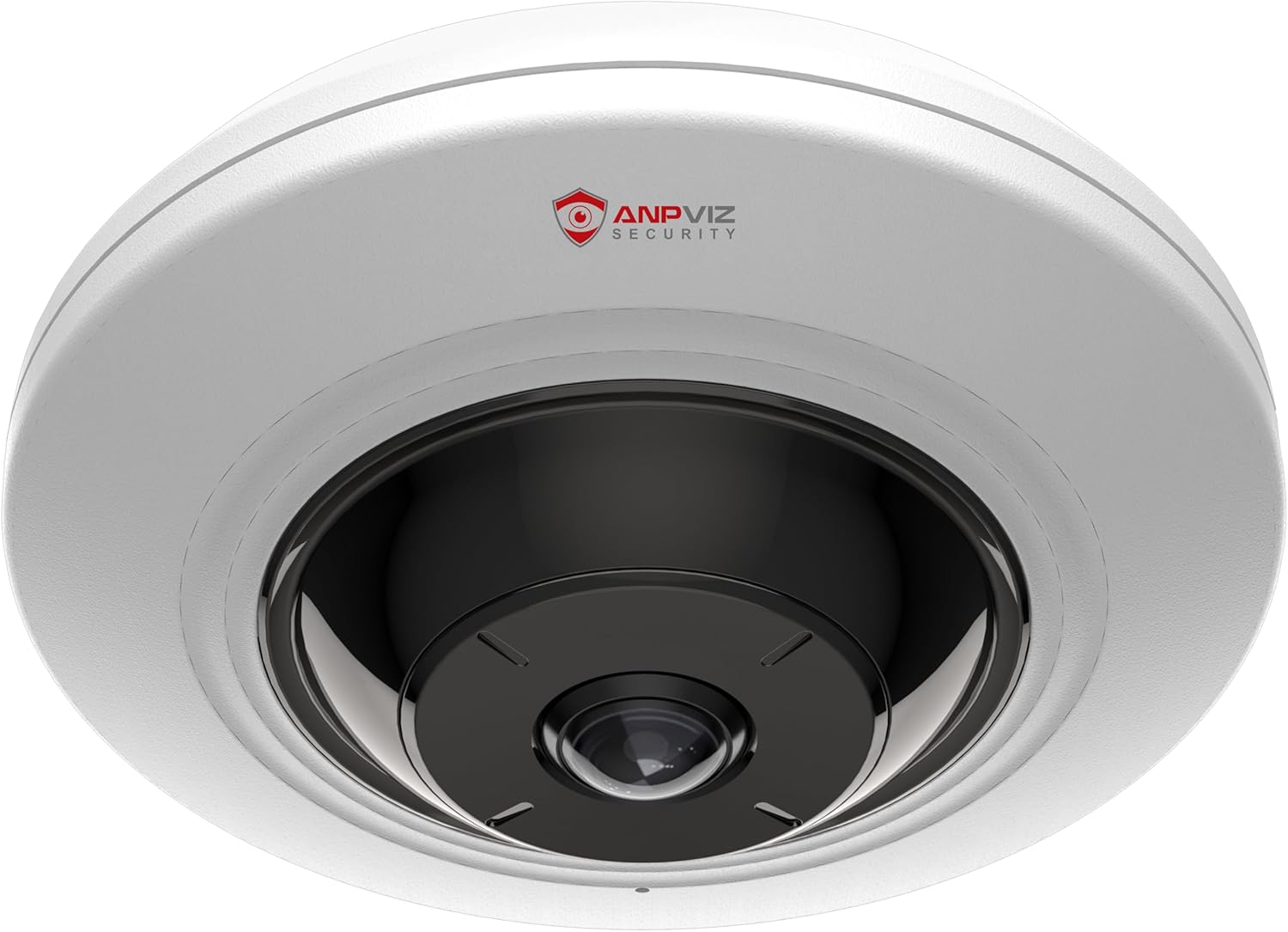
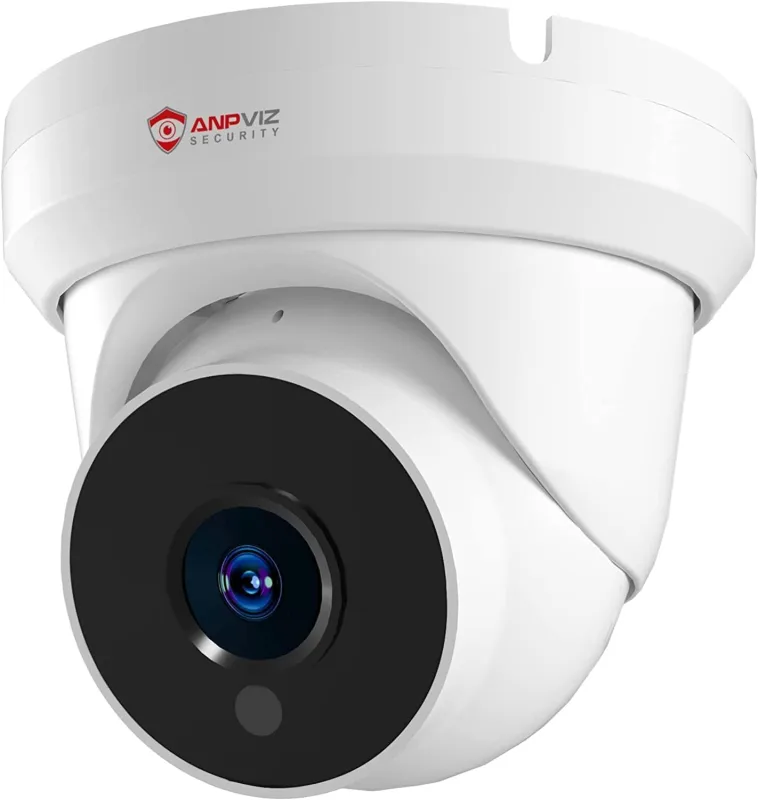
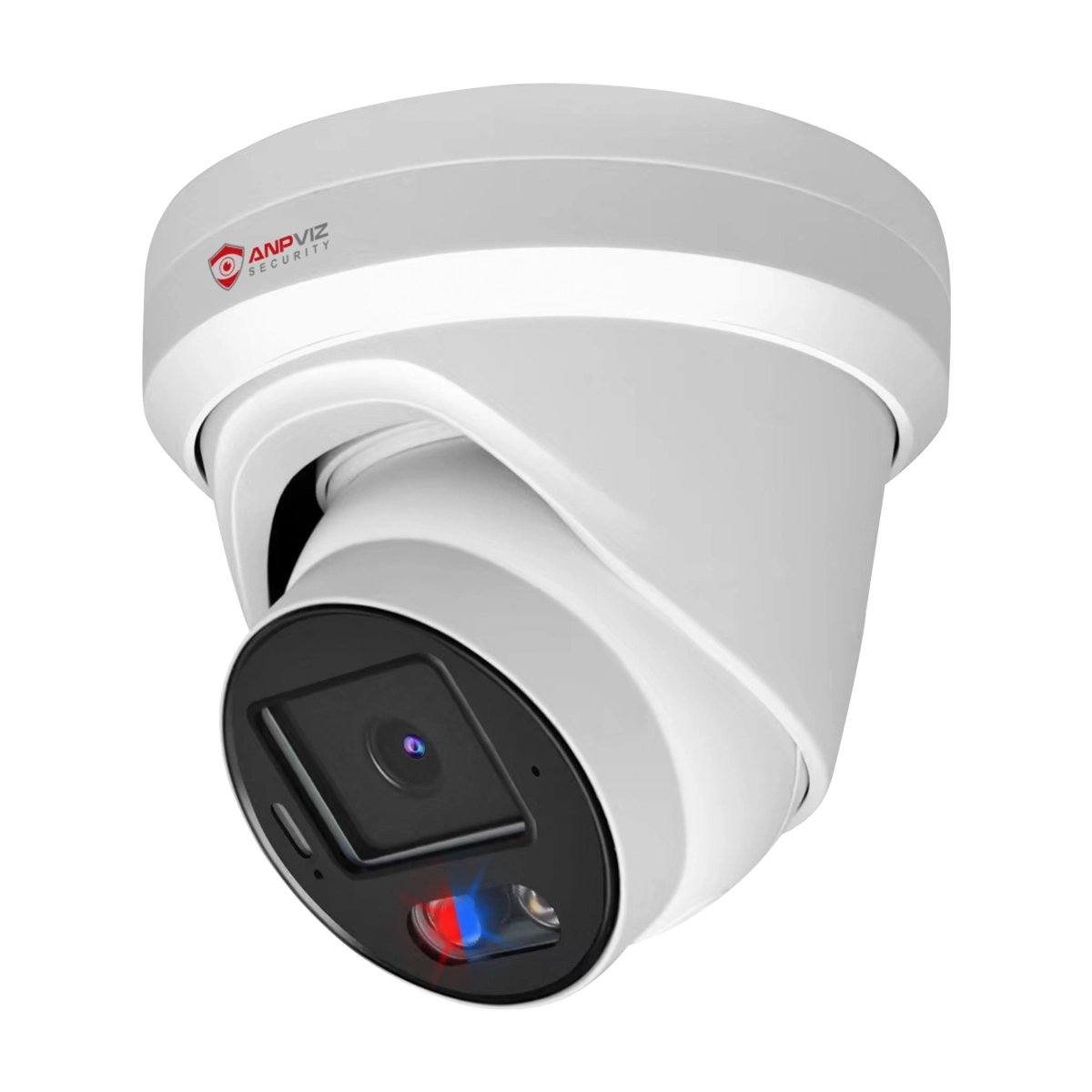
- Demo Resources: The table below provides available demo resources. Click on the camera demo links that interest you to start exploring.
- Login Information: Username: admin | Password: Anpviz2014
- Privacy & Security: We do not collect or store any of your personal data during this process.
- Further Exploration: Want a dedicated demo or consultation for custom solutions? Contact Sales Team
- Technical Support: Experiencing issues during the demo? Online Technical Support
Demo Resources Available
Click on any camera demo link below to start exploring
| No. | Series | Type | Image | Model | Pixel | Status | Demo Link |
|---|
Usage Agreement: By accessing this demo, you agree to use the provided camera feeds only for their intended demonstration purpose. These feeds are legally obtained and any unauthorized use, including but not limited to recording, sharing, or commercial exploitation, violates our terms of service and may be subject to legal action.


