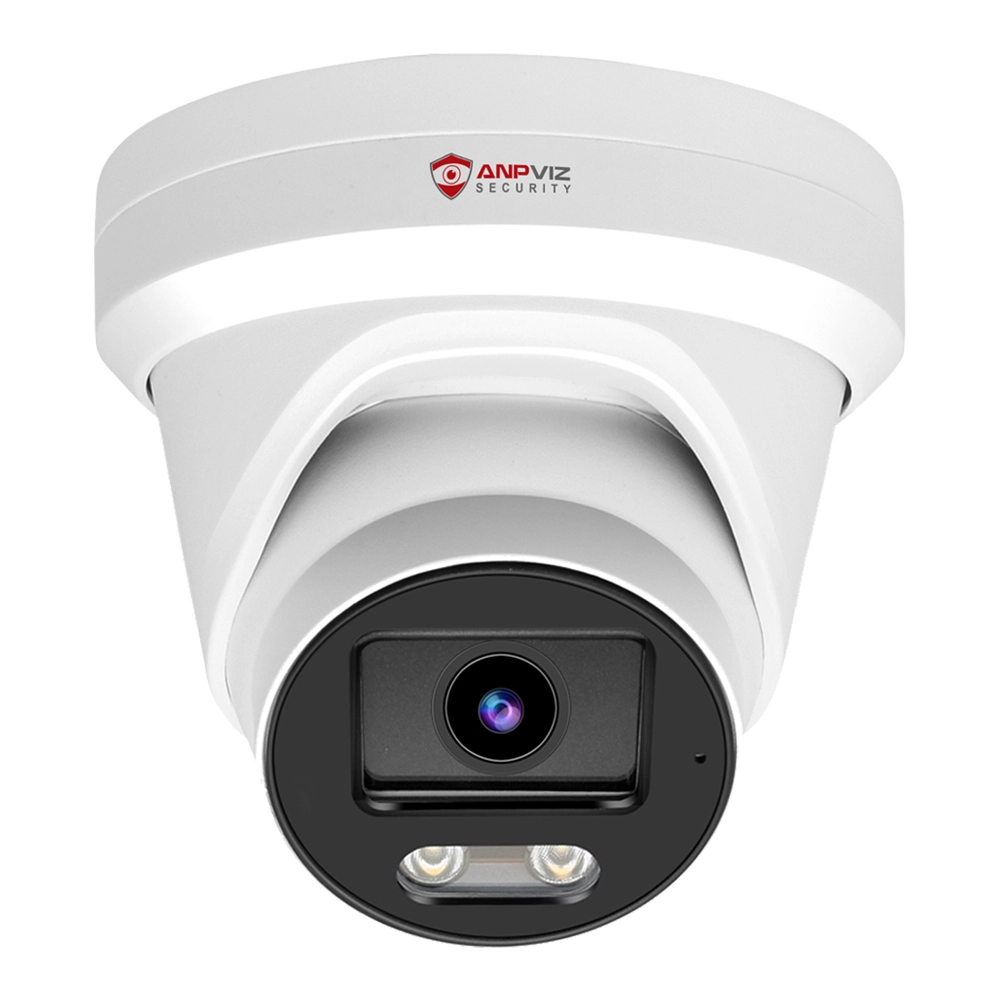
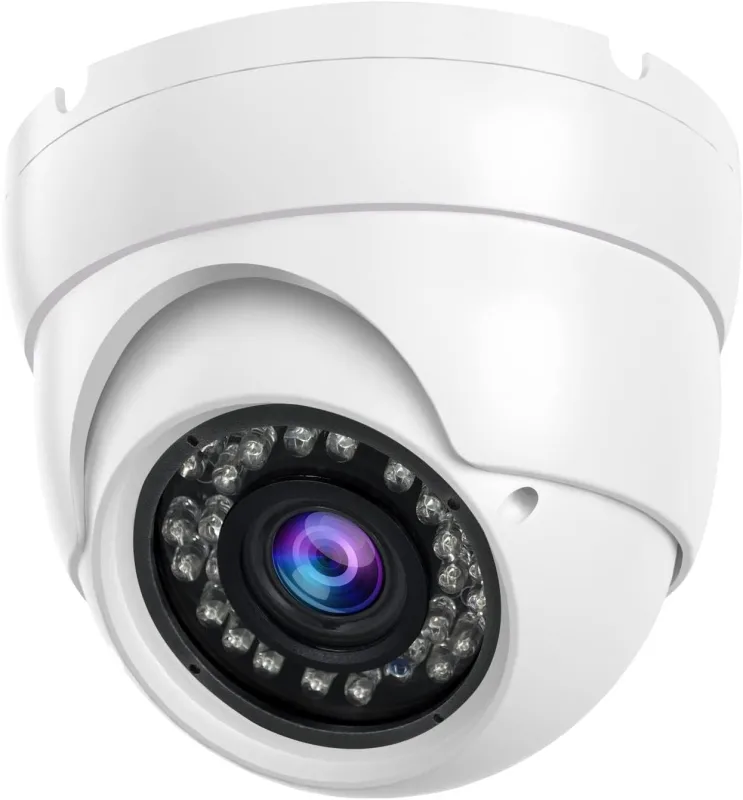
A PoE camera system is a complete security setup that combines PoE cameras, an NVR, storage, and networking equipment to provide centralized video surveillance and management.
Unlike a single PoE camera, a complete PoE camera system brings multiple security devices together to create a scalable surveillance solution.
A PoE camera system consists of several key components that work together to provide reliable video surveillance. The POE camera is the primary device for capturing video, while other components handle recording, storage, networking, and management.
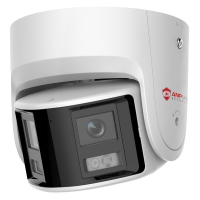
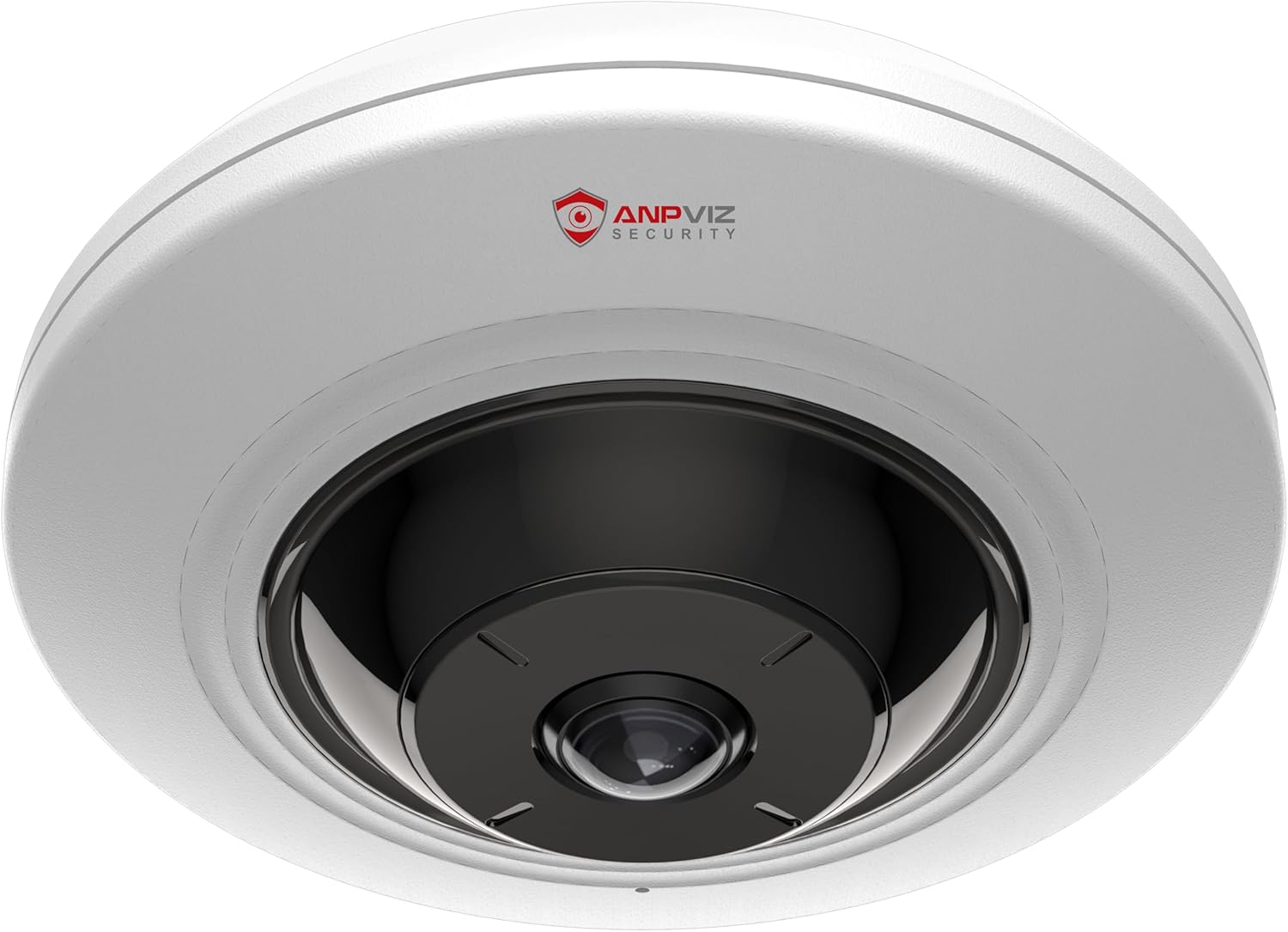
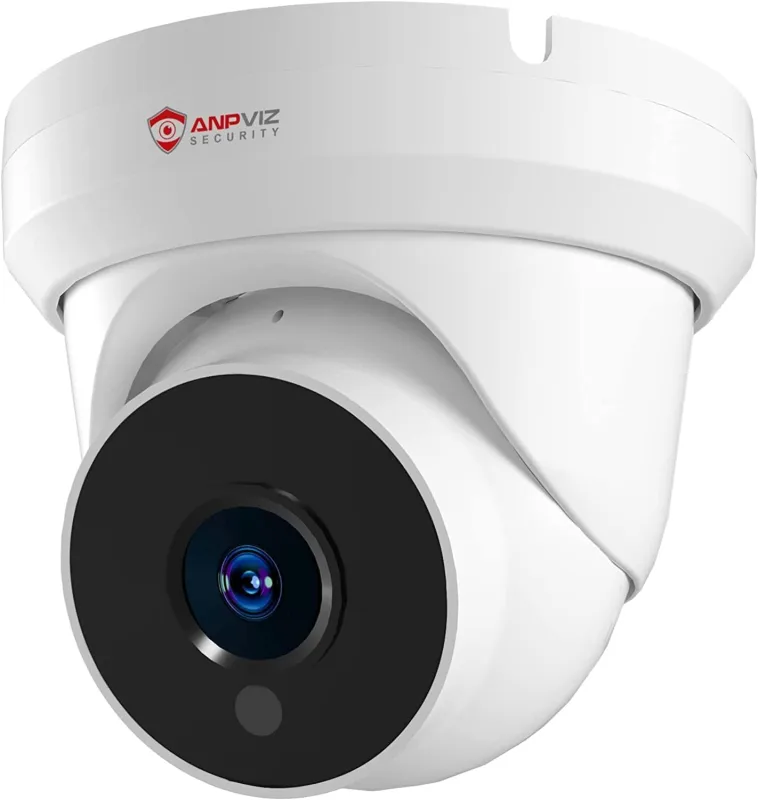
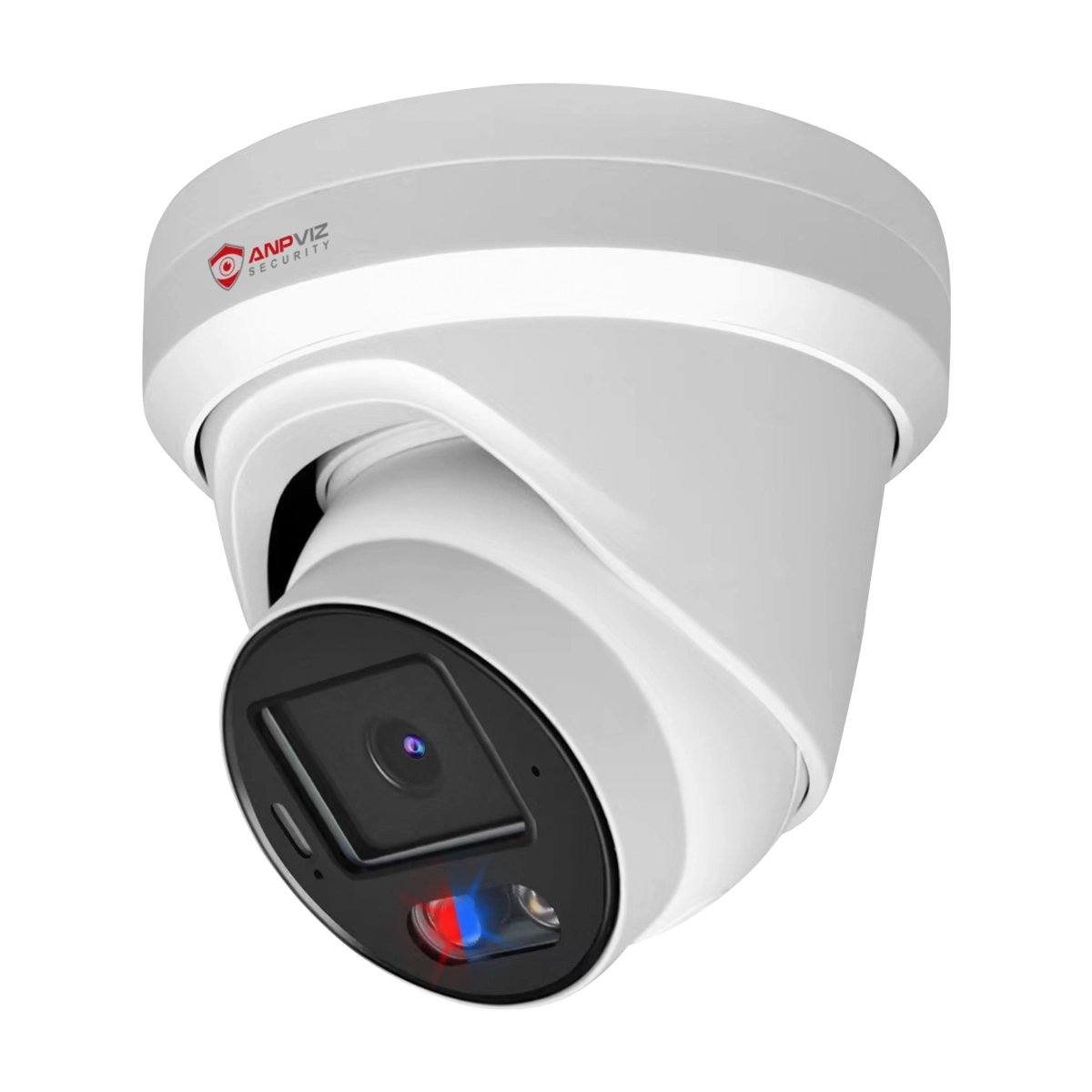
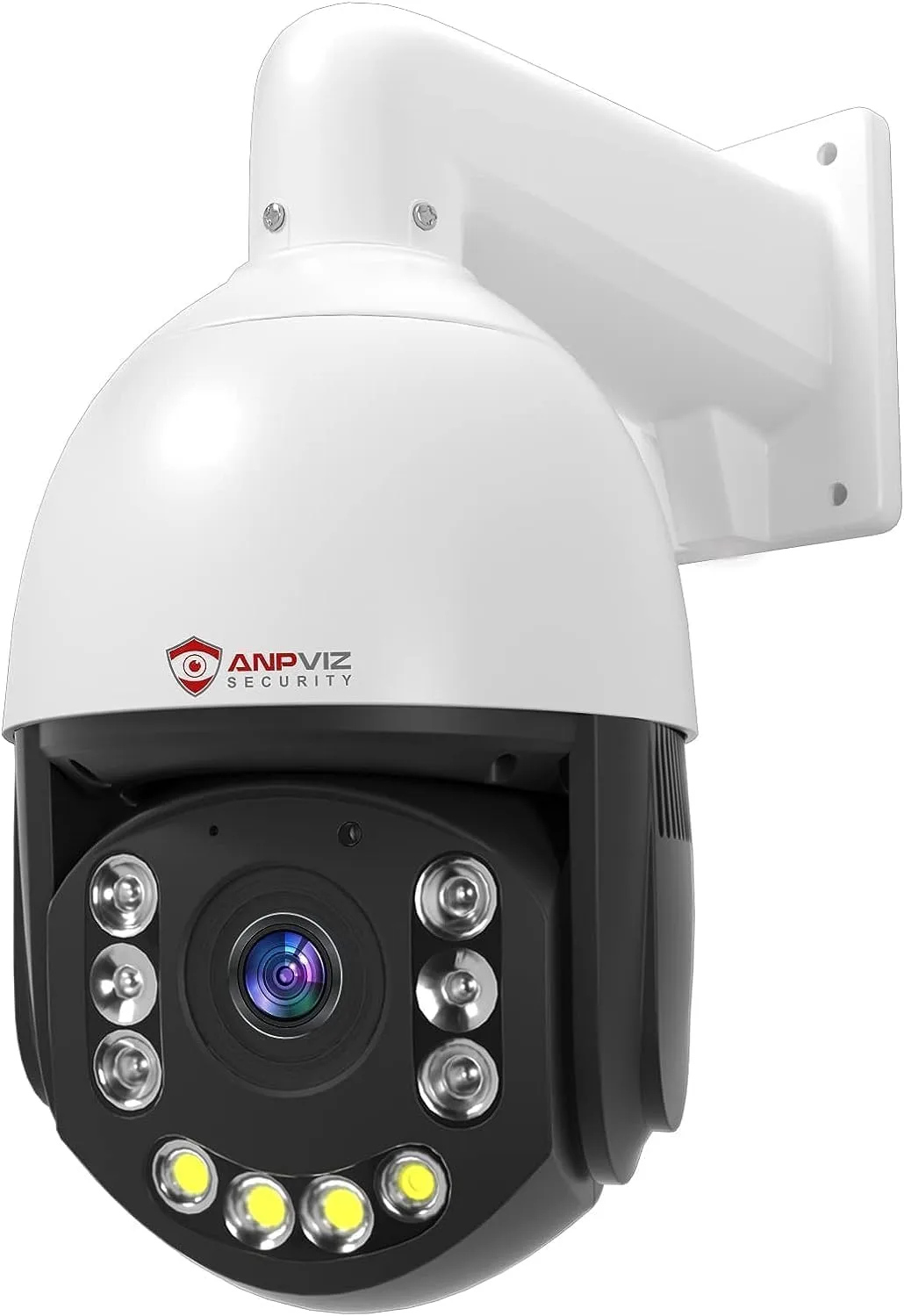
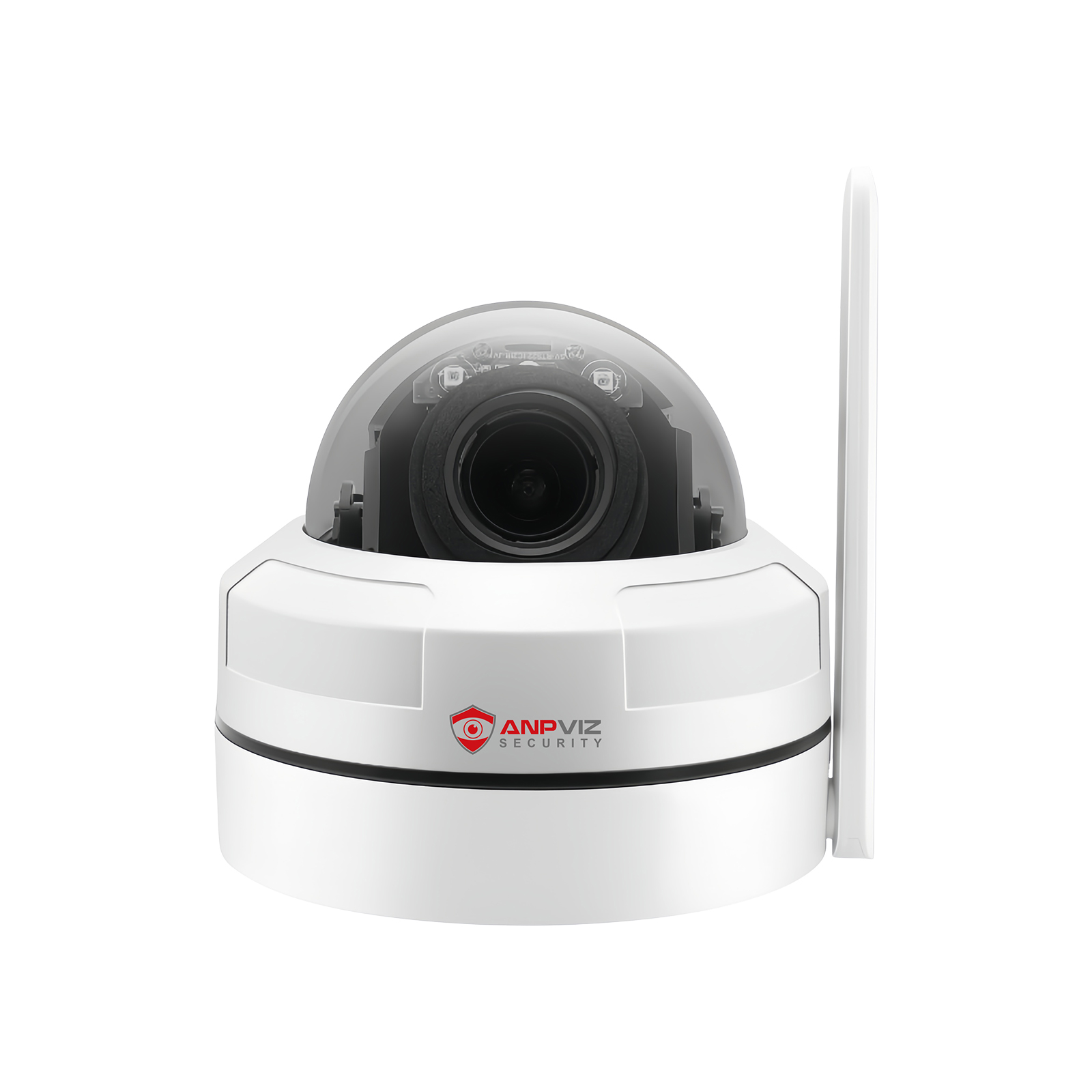
PoE cameras can be classified by their housing design, including Turret, Bullet, Dome, PTZ, and Panoramic models.
PTZ cameras can pan, tilt, and zoom to monitor different areas from a single camera position.
Dual-Lens/Panoramic cameras use multiple lenses to provide a wider field of view. While both are designed for broader coverage, their imaging methods and viewing experiences are different. Learn more in our guide to Panoramic Camera vs. PTZ Camera vs. 360° vs. Fisheye.

Beyond housing design, PoE cameras can also be categorized by their features and specifications. These differences can have a greater impact on image quality, detection, lighting, and overall performance.
| POE Camera Category | Common Options |
| Resolution | 2MP(1080P) / 4MP / 5MP / 6MP / 8MP (4K) |
| Detection | Human Detection / Vehicle Detection / Motion Detection |
| Smart Features | Perimeter Detection / AI Search / Active Deterrence |
| Lighting | IR Light / White Light / Smart Dual-Light / Full-Color |
| Lens | Fixed Lens / Motorized Lens |
| Field of View | - Standard (60°–90°) - Wide-Angle (90°–120°) - Ultra-Wide-Angle (120°–160°) - Panoramic (180°-360°) |
| Compression | H.264/H.264+/H.265 / H.265+ |
With so many camera types, resolutions, lenses, and smart features available, the right PoE camera depends on your specific surveillance needs. Understanding these options makes it easier to select the right camera for each area of your property.
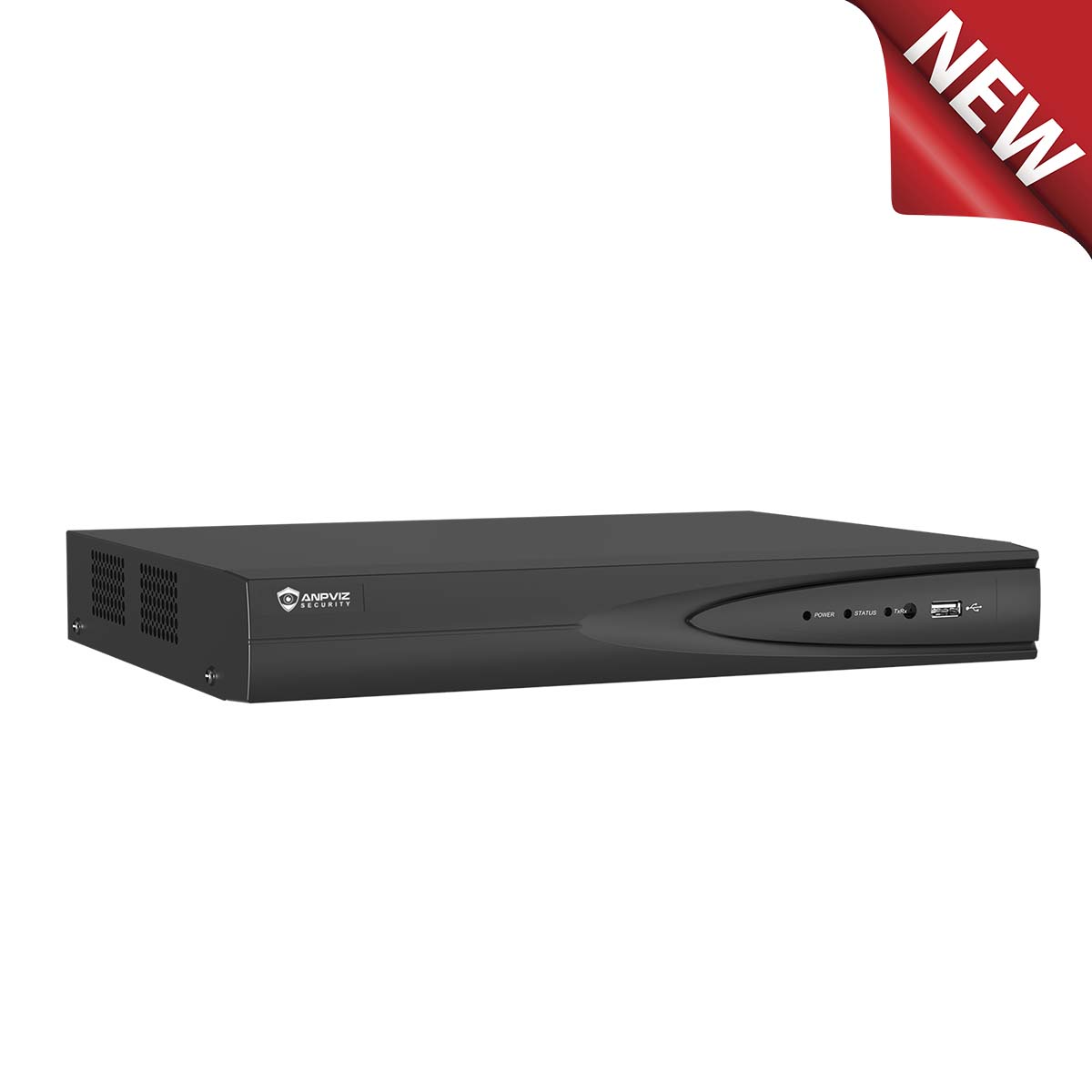
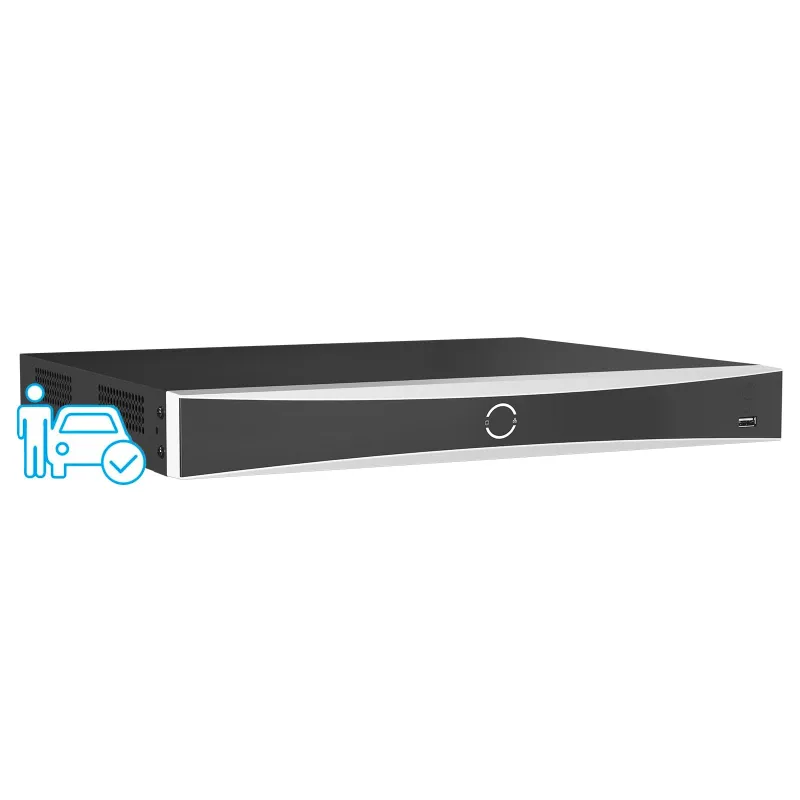
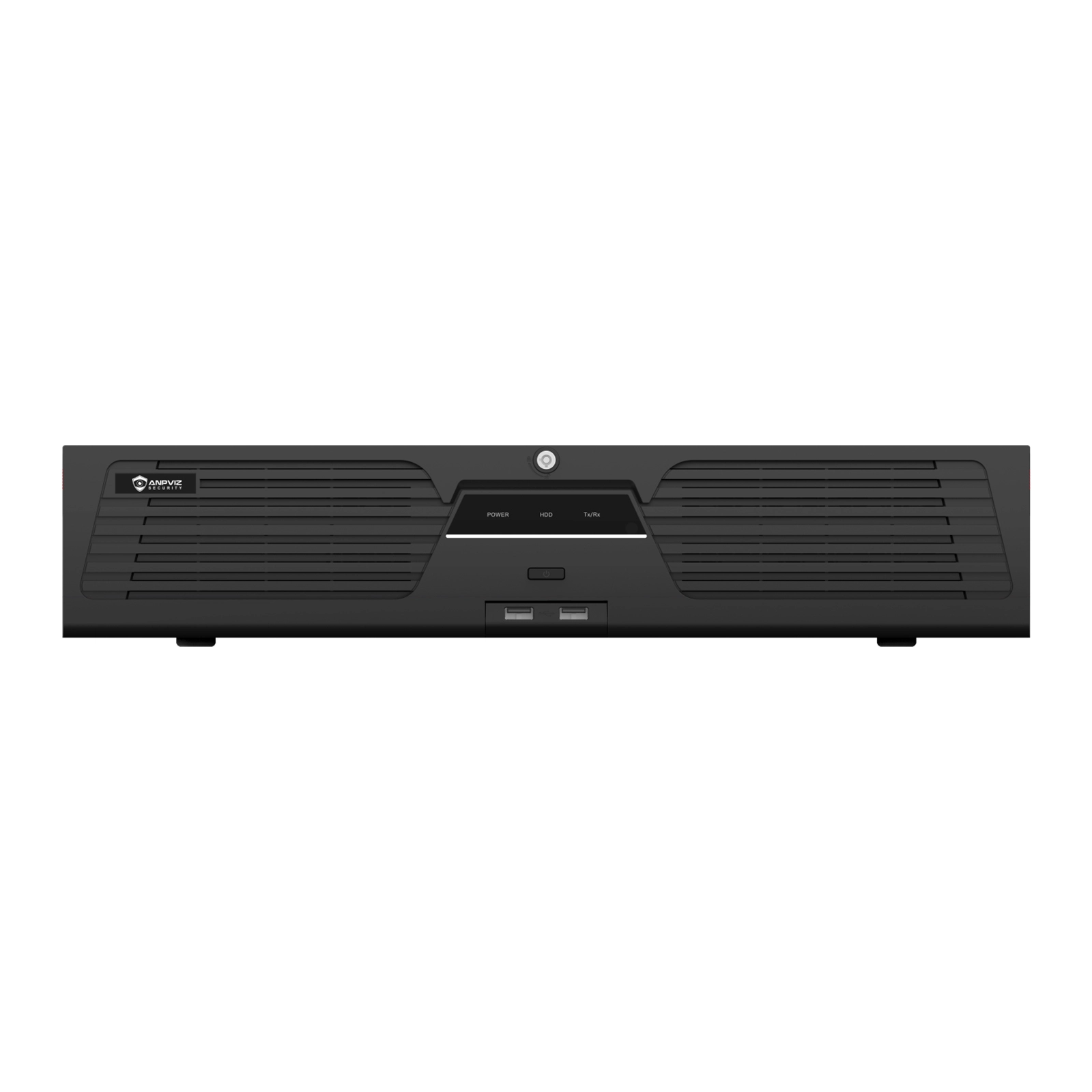
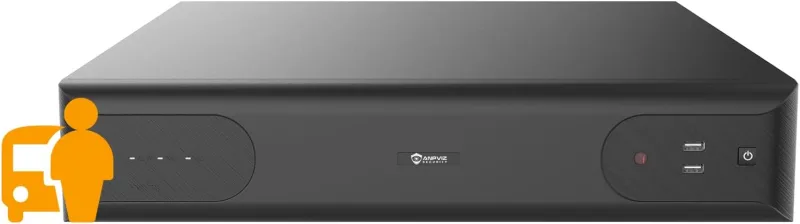
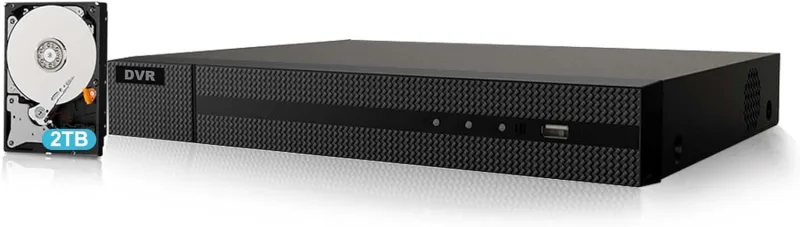
A PoE NVR (Network Video Recorder) is the central device for recording and managing your PoE cameras. NVRs are available in different channel capacities, such as 4CH, 8CH, 16CH, and 32CH, which determine how many cameras the system can support.
| POE NVR Function | What It Does |
| Video Recording | Records and stores video from connected cameras |
| Camera Management | Allows you to configure and manage connected cameras |
| Playback | Lets you search, review, and export recorded footage |
| Remote Access | Enables remote viewing and management from phones, tablets, or computers |
| AI Detection | Supports smart detection features such as human and vehicle detection, depending on the model |
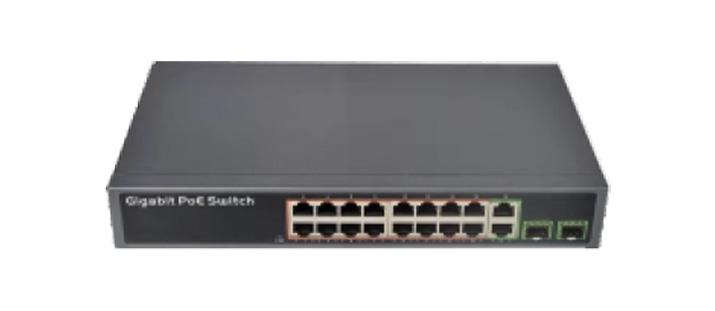
A PoE Switch provides both power and network connectivity for PoE cameras through Ethernet cables. It is especially useful when your NVR does not have built-in PoE ports or when you need to connect more PoE cameras than the NVR's built-in PoE ports can support.
For example, if you need to build a 32-camera system but your 32-channel NVR has only 16 built-in PoE ports, a PoE Switch can be used to connect the additional cameras.
This makes PoE Switches a practical solution for larger surveillance systems and projects that require flexible camera expansion.
Note: NVR Channel Capacity ≠ Built-in PoE Port Count → 32CH NVR ≠ 32 PoE ports
Buying a PoE camera and an NVR does not necessarily mean you have video storage. These devices serve different purposes: the camera captures video, while the NVR records and manages the video. The actual recorded footage needs to be stored on a storage medium.
Depending on the system, storage may be provided by an HDD in the NVR, a microSD card in the camera, a NAS/FTP server, or cloud storage.
Without a storage medium, you can still view live video from your cameras, but you cannot play back recorded footage because there is no place to store the recordings.
The amount of storage you need depends on factors such as the number of cameras, resolution, frame rate, compression, and recording mode. For a storage estimate, you can use the Hikvision HiTools Designer to calculate recording time and storage requirements.

See a complete PoE camera system in action and how the cameras, NVR, and other components work together.
Follow the simple steps to install an HDD and prepare your NVR for video recording.(Pre-installed HDD requires no additional setup.)